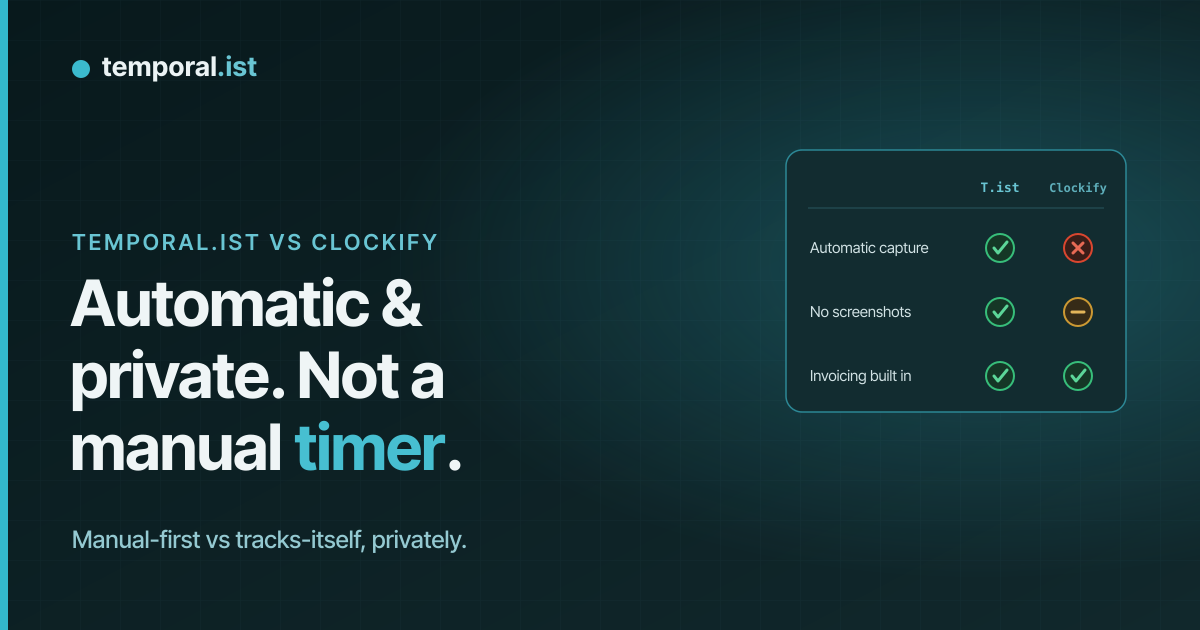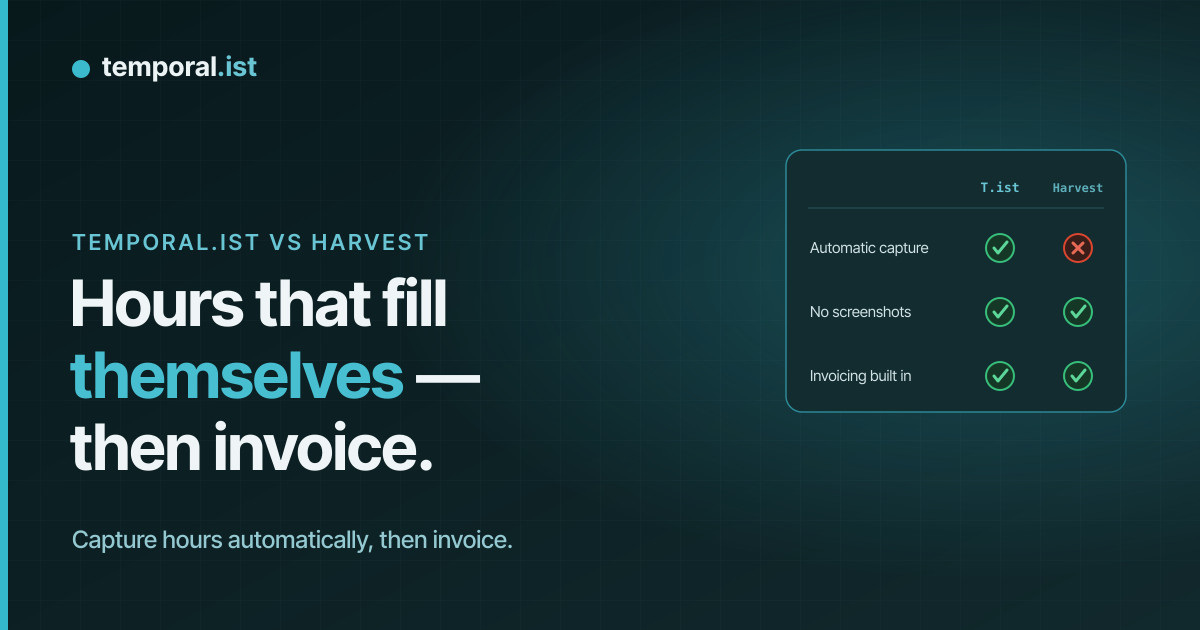
Temporal.ist and Harvest side by side
| Aspect | Temporal.ist | Harvest |
|---|---|---|
| Automatic time trackingAdvantage: Temporal.ist | Automatic — matches file changes (desktop) and browser URLs to the right project/client | Manual start/stop timers only — no automatic capture |
| Screenshots / monitoringTie | None — no screenshots, keystroke logging or productivity scoring | None — no screenshots |
| Built-in invoicingAdvantage: Harvest | Yes — per-client rates, tax, currencies, PDF export, auto-numbering, draft/sent/paid/overdue | Yes, and more mature — templates, recurring invoices, retainer reports |
| Payments & expensesAdvantage: Harvest | Invoicing only — no payment links or expense tracking | Stripe/PayPal payment links + receipt-upload expense tracking |
| Accounting integrationsAdvantage: Harvest | Fewer integrations (newer, solo-bootstrapped product) | Two-way QuickBooks & Xero, plus a large integration ecosystem |
| Reporting depthAdvantage: Harvest | Time-distribution donut, activity bars, project breakdowns, timesheets, CSV/PDF reports | Agency-grade retainer, expense and budget reports |
| Mobile appsAdvantage: Harvest | None yet (desktop + browser extensions + headless CLI/TUI) | Native iOS & Android apps |
| PlatformsTie | Windows/macOS/Linux/AppImage desktop, Chrome/Edge/Firefox/Safari extensions, web, CLI/TUI | Web, desktop and mobile apps |
| Offline trackingAdvantage: Temporal.ist | Yes — local SQLite, works offline and syncs later | Cloud-based SaaS — not built local-first |
| Free planAdvantage: Temporal.ist | Solo free forever — unlimited folders, no credit card | Free for 1 seat / 2 projects |
| Paid pricing | Free Solo tier; paid Pro & Teams plans | Pro ~$11-12/seat/mo monthly (~$9/seat/mo billed annually) |
| Privacy & data residencyAdvantage: Temporal.ist | EU data residency, GDPR-aligned, one-click export + full delete; stores only timestamps + file/URL | US-based; standard privacy controls |
Harvest and Temporal.ist both track billable time and turn it into invoices, but they start from opposite ends. Harvest is a mature, accounting-focused tool built around manual timers you start and stop, with deep invoicing, expense tracking and integrations. Temporal.ist is a newer, privacy-first tool that captures time automatically from your file changes and browser URLs, so there's no timer to forget — with built-in invoicing of its own.
When to choose Temporal.ist
Choose Temporal.ist if you forget to start timers and want time captured automatically. The desktop client watches the folders you pick and the browser extensions match URL patterns, attributing every minute to the right project and client without a running stopwatch (manual entry is still available when you need it). It's a strong fit for developers, freelancers and small teams who care about privacy: no screenshots, no keystroke logging, no productivity scoring, EU data residency and GDPR-aligned one-click export and full delete. The Solo plan is free forever with unlimited folders and no credit card, it works offline with local SQLite, the dashboard updates in real time over WebSocket, and you still get built-in invoicing with per-client rates, tax, currencies, PDF export and auto-numbering.
When to choose Harvest
Choose Harvest if billing and accounting depth matter more than automatic capture. With roughly 70,000 companies, it's a proven incumbent whose invoicing is more mature than ours: recurring invoices, Stripe and PayPal payment links, receipt-upload expense tracking, retainer reports and two-way QuickBooks and Xero sync. It also has native iOS and Android apps, which Temporal.ist does not offer yet, plus a much larger integration ecosystem and years of agency-tested reporting. If your team is comfortable starting and stopping timers manually, needs expense and retainer workflows, or wants mobile time entry on the go, Harvest is the safer, more established pick.
Side-by-side
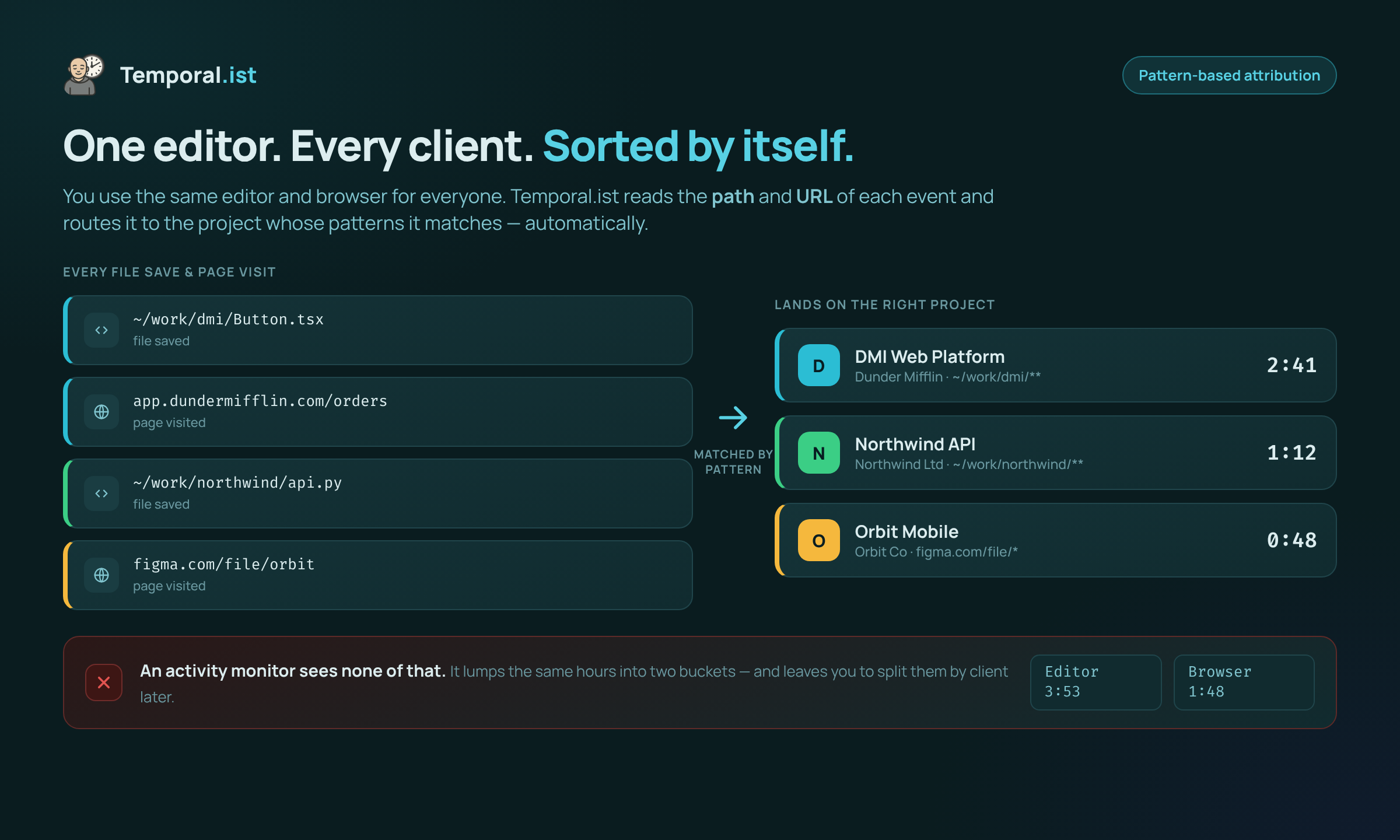
Time is attributed to the right project by file path and URL — no manual tagging.
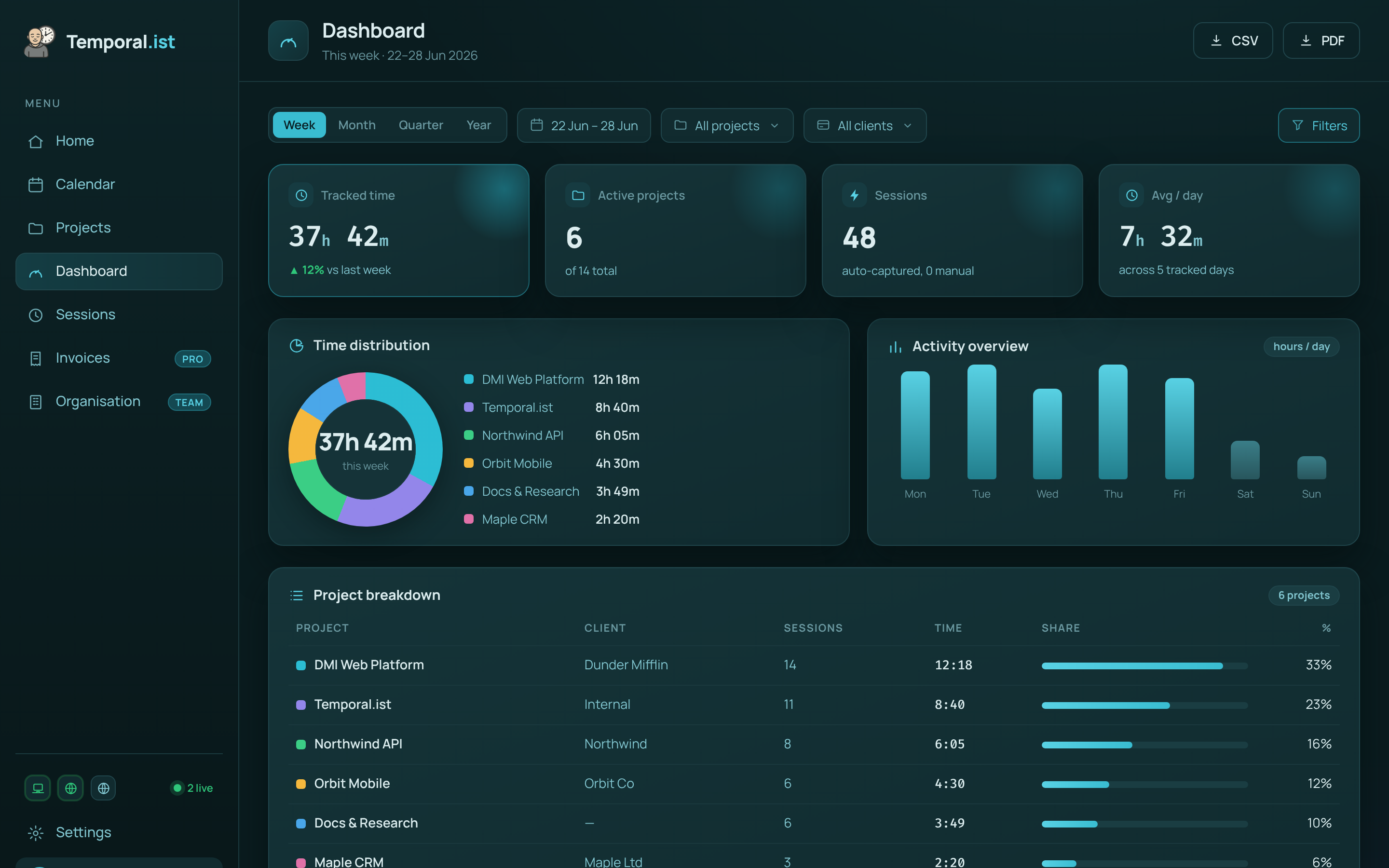
Hours are captured automatically and roll up per project and client, ready to invoice.