Temporal.ist and RescueTime side by side
| Aspect | Temporal.ist | RescueTime |
|---|---|---|
| Automatic time tracking (mechanism)Tie | Yes — file changes + URL patterns mapped to projects/clients | Yes — apps, websites & active window with AI categorization |
| Primary use case | Billable project & client time tracking | Personal productivity, focus & distraction control |
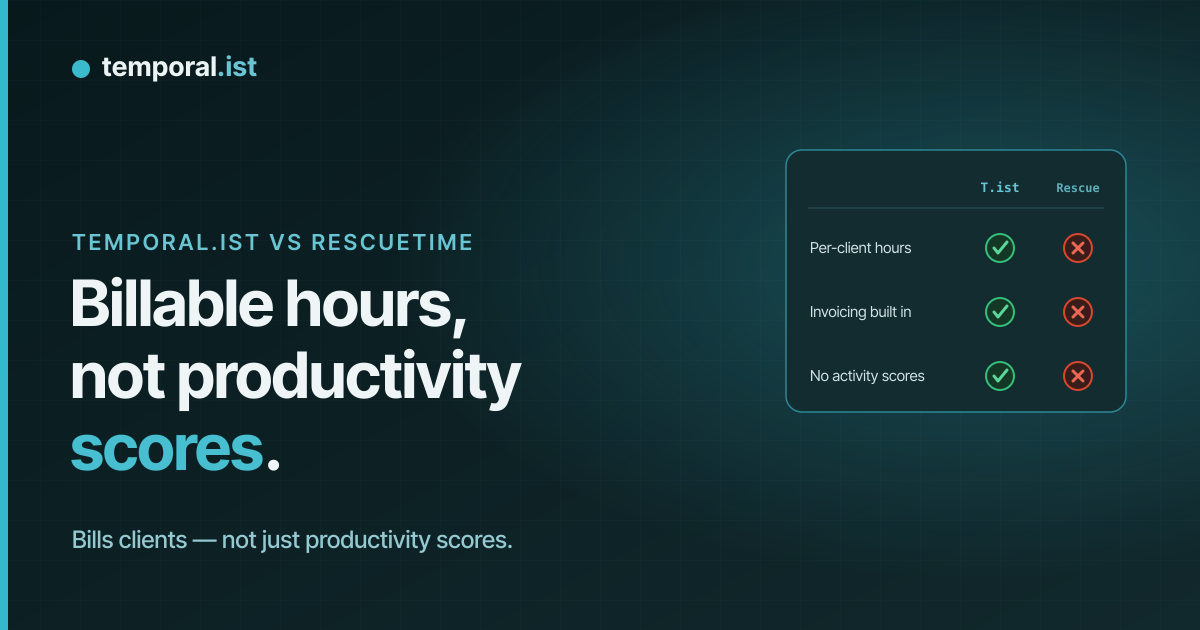
| Screenshots / keystroke loggingTie | Never — timestamps + file/URL only | Never |
| Productivity score & distraction blockingAdvantage: RescueTime | No — no scoring by design | Yes — productivity score, focus sessions, blocking |
| Built-in invoicingAdvantage: Temporal.ist | Yes — rates, currencies, tax, PDF, auto-numbering | No |
| Per-client rates & billable trackingAdvantage: Temporal.ist | Yes — projects linked to clients | No |
| Reporting & analyticsTie | Timesheets, project breakdowns, donut/bar charts, CSV/PDF | Deep productivity dashboards, trends & weekly reports |
| Privacy & data residencyAdvantage: Temporal.ist | EU residency, GDPR-aligned, one-click export + full delete | US-based; GDPR-compliant |
| Works offlineAdvantage: Temporal.ist | Yes — local SQLite, syncs later | Limited — relies on its monitoring service |
| IntegrationsAdvantage: RescueTime | Fewer — newer, solo-bootstrapped product | Many — Google Calendar, Slack, Office 365 & more |
| Platforms & mobile appsAdvantage: RescueTime | Win/macOS/Linux/AppImage, browser extensions, web, CLI/TUI — no mobile yet | Win/macOS/Linux + browser extensions + mobile apps |
| Pricing & free planAdvantage: Temporal.ist | Free Solo tier (unlimited folders, no credit card); paid Pro & Teams | No free plan — 14-day trial, then ~$7/mo billed annually ($84/yr) or $9 monthly |
RescueTime and Temporal.ist both track your time automatically, but they answer different questions. RescueTime watches which apps, websites, and active windows you use and turns that into a personal productivity score with focus sessions and distraction blocking; Temporal.ist matches file changes and URL patterns to projects so you can bill clients and generate invoices. This comparison is honest about where each one genuinely wins.
When to choose Temporal.ist
Choose Temporal.ist if you bill for your time. It automatically attributes hours to the right project and client by matching file paths and URL patterns, then turns those billable sessions into invoices with per-client rates, currencies, tax, auto-numbering, and PDF export — something RescueTime simply doesn't do. You also get a genuinely free Solo tier (unlimited folders, no credit card), EU data residency with one-click export and full delete, editable sessions, offline tracking, and no productivity scoring or surveillance. It's ideal for freelancers, agencies, and small teams who want accurate, client-ready time records rather than a personal productivity grade.
When to choose RescueTime
Choose RescueTime if your goal is personal productivity rather than billing. It has spent years refining automatic app, website, and window monitoring with AI categorization, a productivity score, focus sessions, and distraction blocking — features Temporal.ist deliberately doesn't have. RescueTime is also more mature, with 2M+ users, a wider set of integrations like Google Calendar, Slack, and Office 365, and native mobile apps for tracking on the go, which Temporal.ist lacks today. If you mainly want to understand and improve how you spend your day, and you don't need invoicing or client billing, RescueTime is the better fit.
Side-by-side
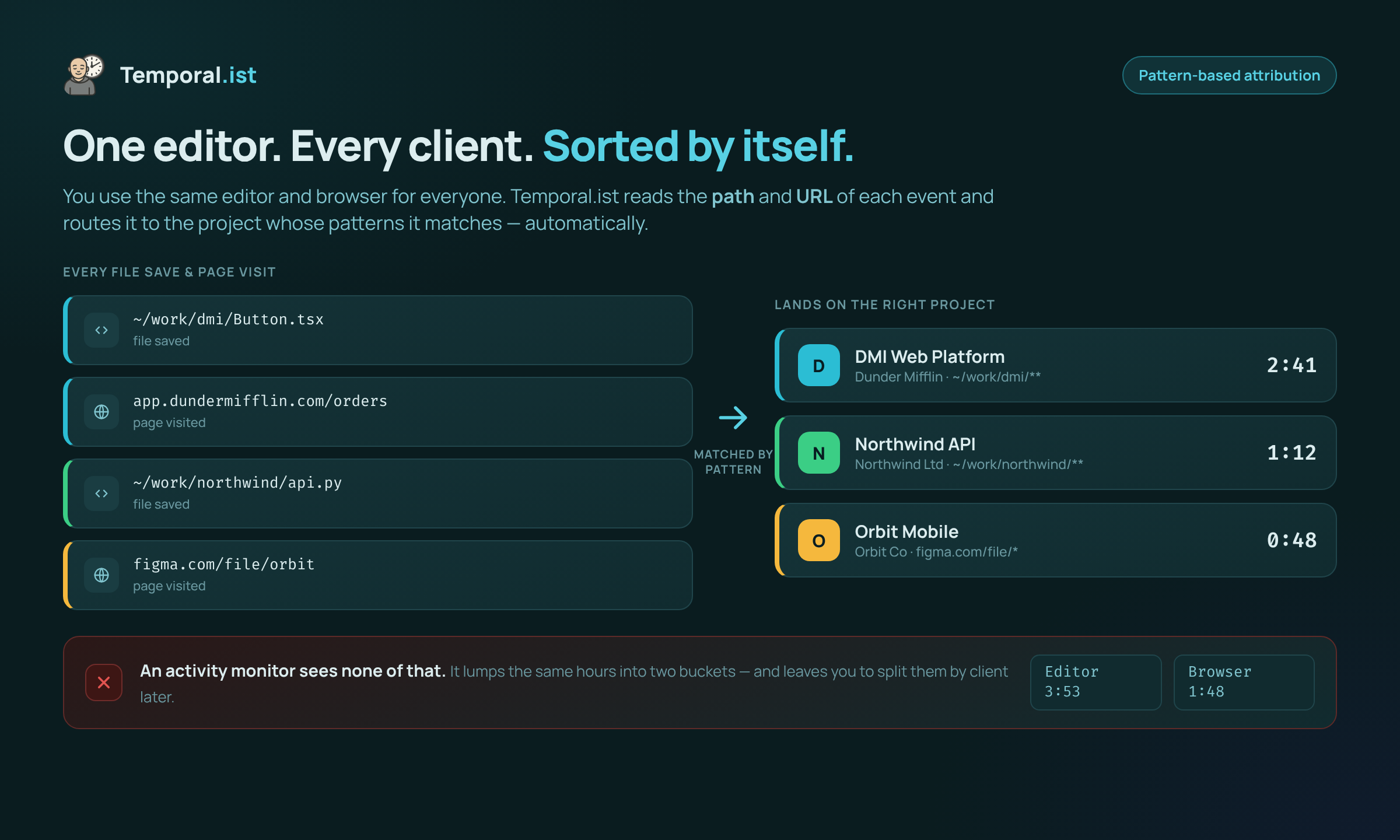
Time is attributed to the right project by file path and URL — no manual tagging.
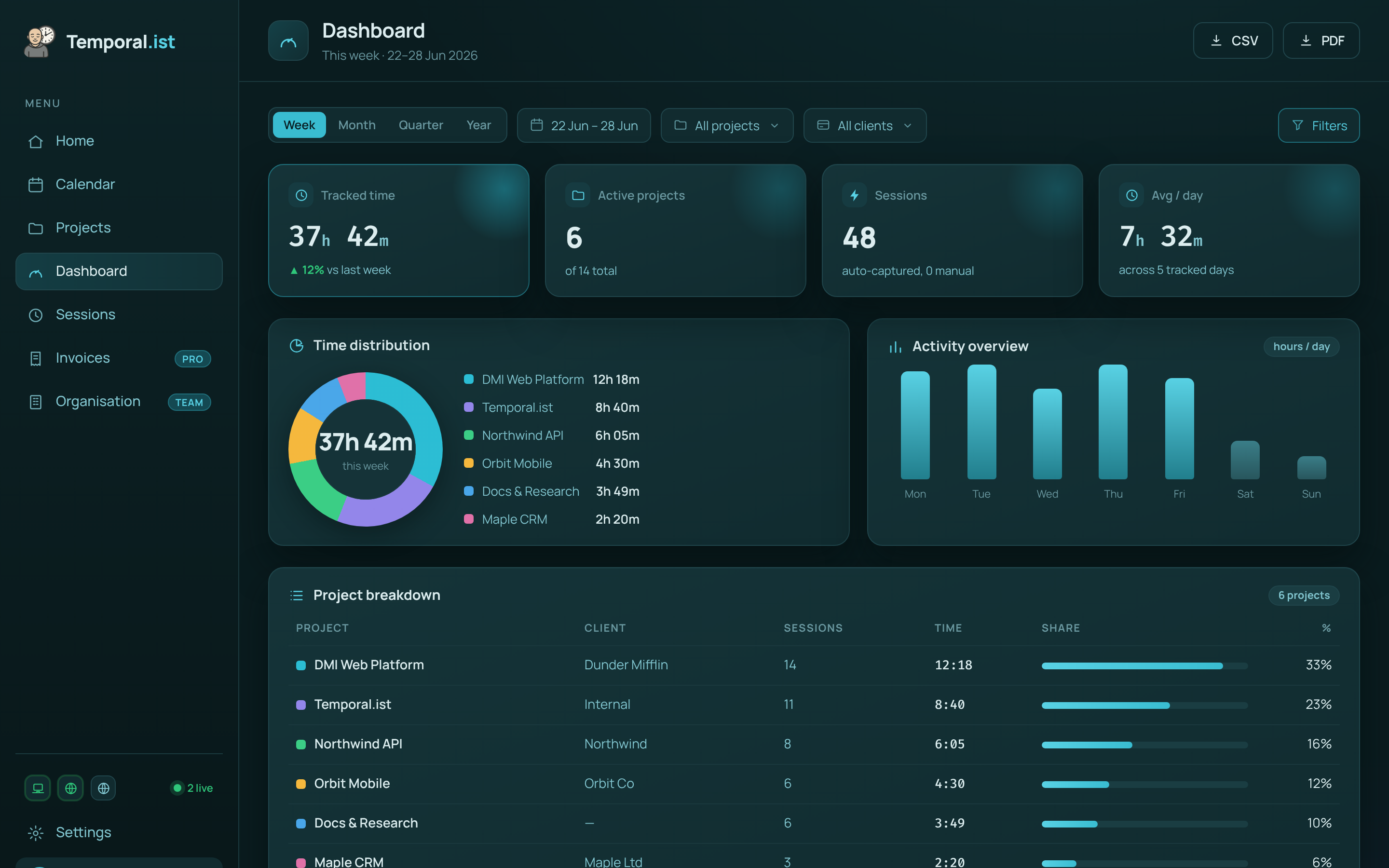
Hours are captured automatically and roll up per project and client, ready to invoice.