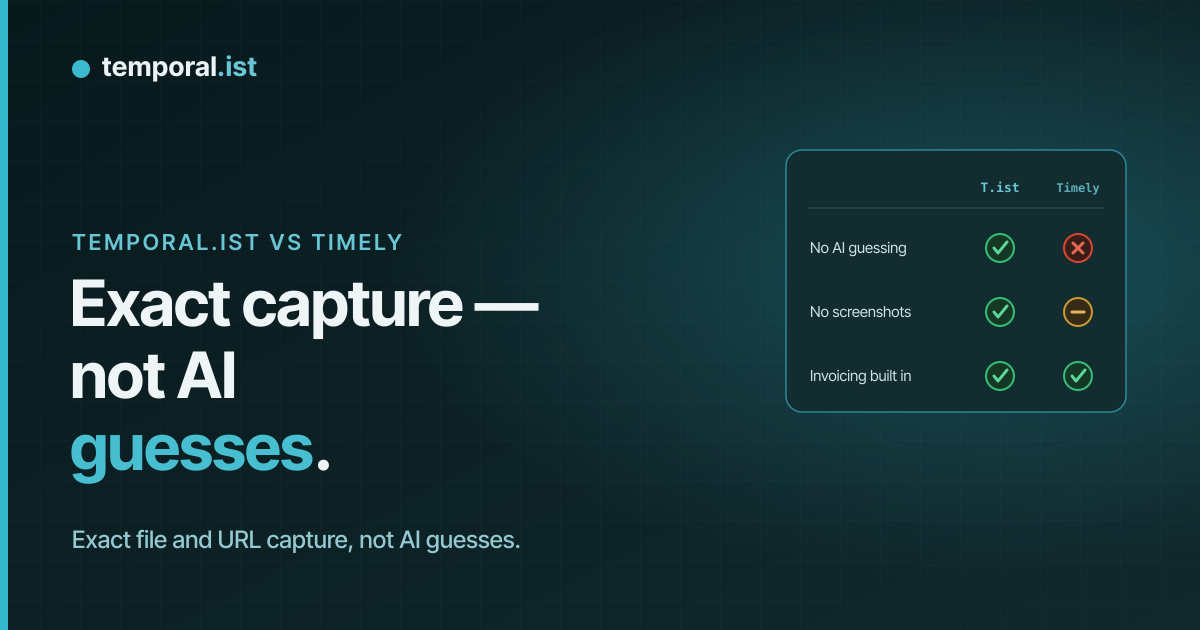
Temporal.ist and Timely side by side
| Aspect | Temporal.ist | Timely |
|---|---|---|
| Automatic tracking mechanismTie | File-change and URL-pattern matching — deterministic attribution to the right project/client | AI Memory Tracker logs app/document/website activity, then AI drafts entries you review |
| Screenshots / surveillanceTie | Never — no screenshots, no keystroke logging, no productivity scoring | No screenshots; activity recorded to a private local Memory timeline |
| Built-in invoicingTie | Yes — per-client rates, currencies, tax, PDF export, auto-numbering, draft/sent/paid/overdue | Yes — invoicing included |
| IntegrationsAdvantage: Timely | Fewer — newer product, smaller ecosystem | Broad — many calendar, PM and team-tool integrations |
| Reporting & team dashboardsAdvantage: Timely | Time-distribution donut, activity bars, project breakdowns, daily timesheets, CSV/PDF reports | Mature team dashboards with utilization and project reporting |
| Capacity / resource planningAdvantage: Timely | Not offered | Yes — team capacity and workload planning |
| PricingAdvantage: Temporal.ist | Free Solo tier; paid Pro & Teams plans | No free plan; from ~$9/user/mo billed annually |
| Free planAdvantage: Temporal.ist | Yes — free-forever Solo, unlimited folders, no credit card | No free plan |
| PlatformsTie | Windows/macOS/Linux/AppImage desktop + Chrome/Edge/Firefox/Safari extensions + web + headless Linux CLI/TUI | Desktop, web and mobile apps |
| Mobile appsAdvantage: Timely | None yet | iOS & Android apps |
| Developer / CLI workflowAdvantage: Temporal.ist | Headless Linux CLI/TUI; tracks by file path — built for developers | No CLI; activity-based and management-oriented |
| Privacy & data controlAdvantage: Temporal.ist | EU data residency, GDPR-aligned, one-click export + full delete, offline-first local SQLite | No screenshots and privacy-conscious; activity stays in a private Memory timeline, but more team-data oriented |
Temporal.ist and Timely both promise automatic time tracking that runs in the background without screenshots or keystroke logging — but they get there differently. Timely records your app, document and website activity into a private timeline and uses AI to draft time entries you review, while Temporal.ist deterministically attributes time by matching changed files and visited URLs to per-project patterns you define. Timely is the more mature, team- and agency-focused product; Temporal.ist is a newer, privacy-first indie tool with a free Solo tier and a developer-friendly workflow.
When to choose Temporal.ist
Choose Temporal.ist if you're a freelancer, developer or small team who wants automatic tracking with predictable, deterministic attribution — time lands on the right project because the file you edited or the URL you visited matches a pattern you set, not because an AI inferred it from your activity. It's the better fit if you want to start for free (the Solo plan is free forever with unlimited folders and no credit card), care about EU data residency with one-click export and full delete, work offline with a local database that syncs later, or live in a terminal and want a headless CLI/TUI. Built-in invoicing with per-client rates, tax and PDF export means you can bill straight from tracked sessions without bolting on another tool.
When to choose Timely
Choose Timely if you run an agency or larger team and need polished management features: capacity and workload planning, team dashboards for utilization and project reporting, and a broad set of integrations that a newer tool like Temporal.ist doesn't yet match. Timely is a mature product with roughly 20,000 users across 5,000+ businesses, a refined UI, and iOS and Android apps for tracking on the go — none of which Temporal.ist offers today. Its AI Memory Tracker is genuinely good at reconstructing your day from app and document activity when your work isn't tied to specific files or URLs, and if you don't need a free tier, the ~$9/user/month entry price (billed annually) is reasonable for a team-oriented tracker with invoicing built in. In short, Timely is the safer pick when the priority is managing and reporting on a team rather than precise, file-level attribution for an individual.
Side-by-side
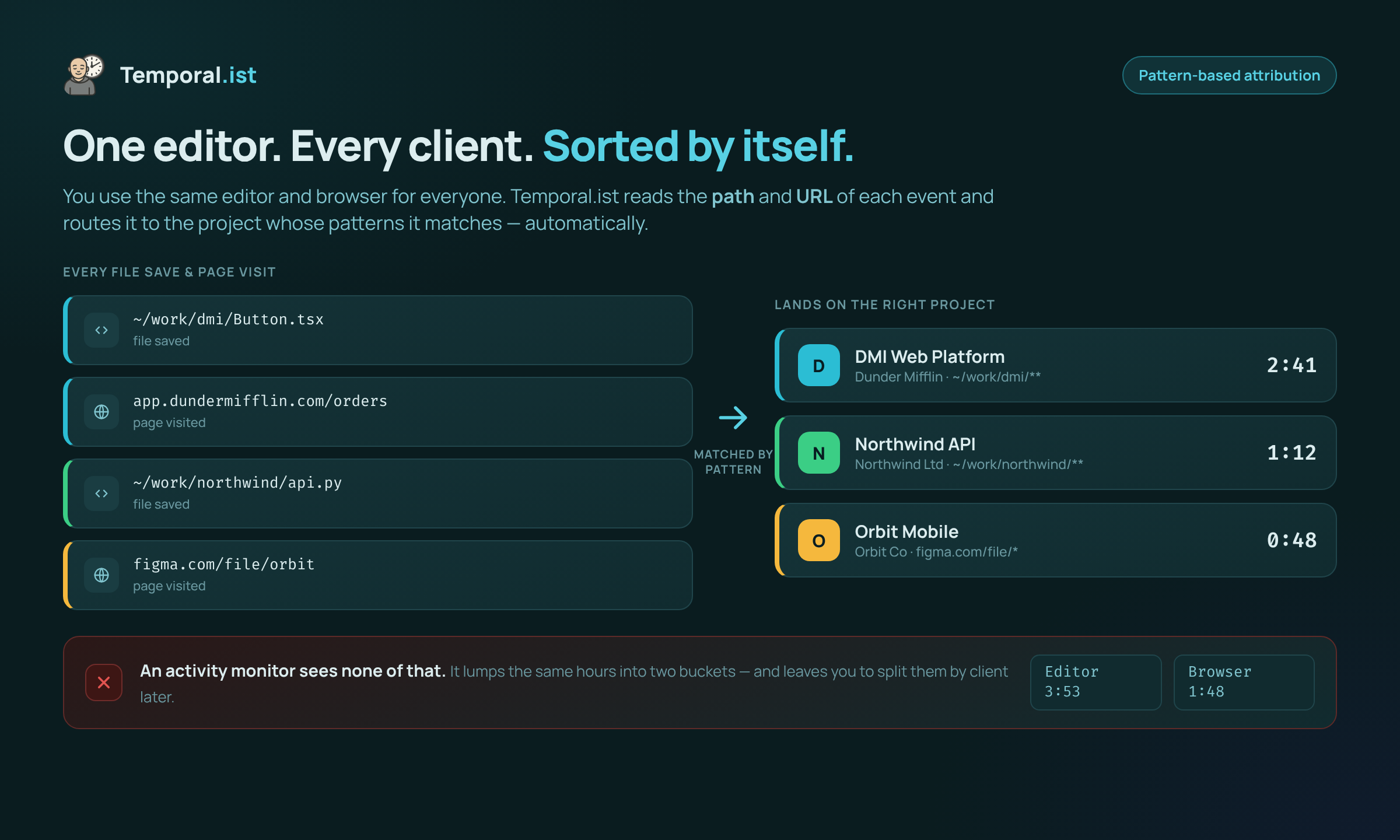
Time is attributed to the right project by file path and URL — no manual tagging.
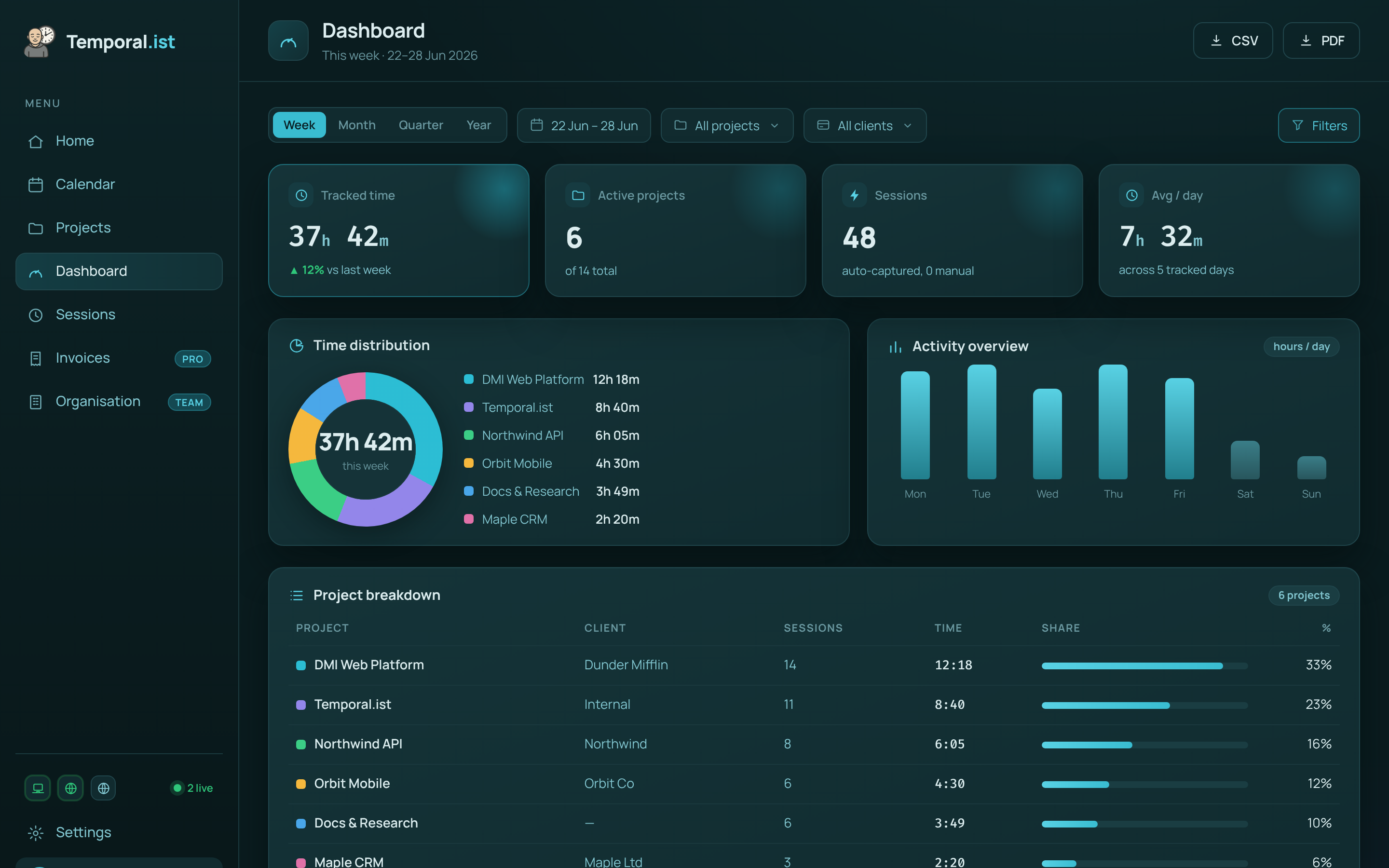
Hours are captured automatically and roll up per project and client, ready to invoice.