Temporal.ist and WakaTime side by side
| Aspect | Temporal.ist | WakaTime |
|---|---|---|
| Automatic time trackingTie | Yes — watches file changes in any folder plus browser URL patterns | Yes — editor plugins track coding activity inside your IDE |
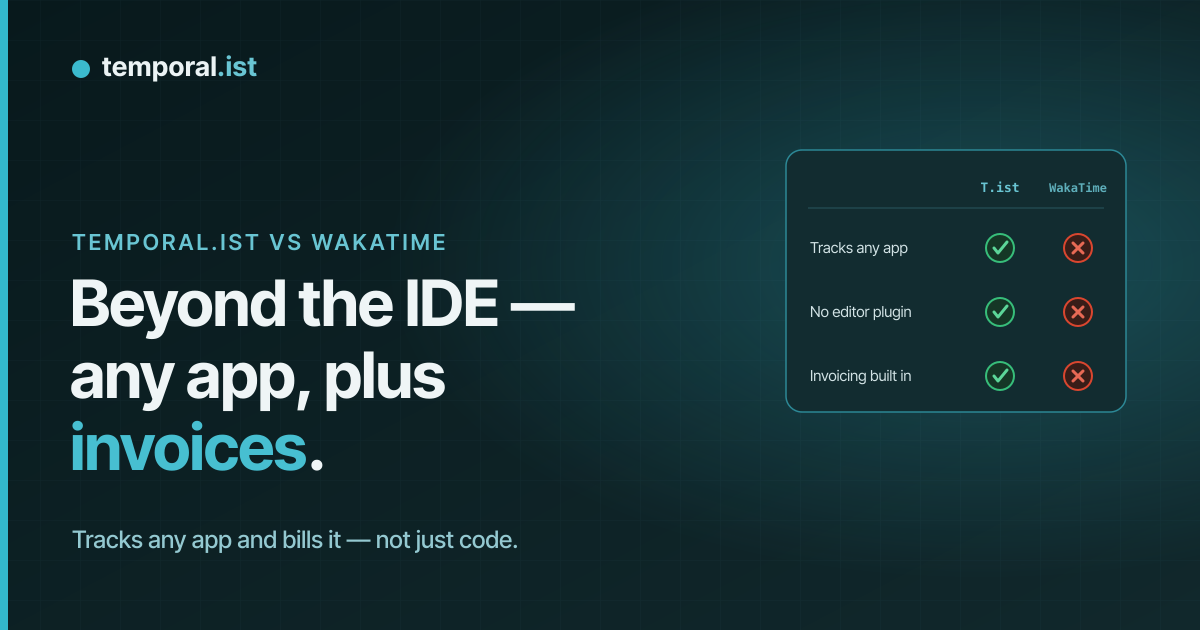
| What gets trackedAdvantage: Temporal.ist | Any file change (code, design, docs) + browser/URL work + manual entries | Coding activity only, inside supported editors |
| Tracking mechanismTie | File-path and URL pattern matching, no per-app plugins to install | Editor/IDE plugins (VS Code, JetBrains, Neovim, and more) |
| Screenshots / monitoringTie | None — no screenshots, no keystroke logging, no productivity scoring | None — no screenshots, privacy-respecting |
| Built-in invoicingAdvantage: Temporal.ist | Full: per-client rates, tax, currencies, PDF export, auto-numbering, draft/sent/paid/overdue statuses | Basic invoicing from tracked time |
| Coding metrics depth (languages, editors)Advantage: WakaTime | Not specialized — tracks files and paths, not language/editor breakdowns | Deep — languages, editors, per-file coding time, goals, leaderboards |
| Integrations & ecosystemAdvantage: WakaTime | Fewer — newer, solo-bootstrapped product with a smaller ecosystem | Large — open plugins for hundreds of editors, 500k+ developers |
| Reporting & analyticsTie | Time-distribution donut, activity bars, project breakdowns, daily timesheets, CSV/PDF reports | Rich coding dashboards, trends, goals, leaderboards |
| PlatformsTie | Desktop Win/macOS/Linux/AppImage, browser extensions, web dashboard, headless CLI/TUI | Editor plugins for all major IDEs + web dashboard |
| Mobile appTie | None yet | None (editor-based) |
| Data residency & exportAdvantage: Temporal.ist | EU data residency, GDPR-aligned, one-click export and full delete, editable sessions | Not specified |
| PricingTie | Free Solo tier forever (unlimited folders, no credit card); paid Pro & Teams plans | Free tier (limited history); paid from ~$8.25/mo billed annually ($9 monthly) |
WakaTime and Temporal.ist both track time automatically from your work rather than from a manual timer, which makes them natural alternatives. But they aim at different people: WakaTime is built for developers who want detailed coding metrics straight from their editor, while Temporal.ist is built for freelancers and agencies who track all kinds of client work and need to invoice it. Here's an honest look at where each one wins.
When to choose Temporal.ist
Choose Temporal.ist if your billable work spans more than code. Because it watches file changes in any folder and browser URLs — not just editor activity — it captures design files, documents, research, spreadsheets, and the web apps you work in, then attributes that time to the right project and client automatically. Built-in invoicing turns those billable sessions into proper invoices with per-client rates, tax, multiple currencies, PDF export, and auto-numbering (ORG-YYYYMM-XXXX) — something WakaTime isn't built to do. Add EU data residency, GDPR-aligned export and delete, editable sessions, a free Solo tier with unlimited folders, and broad platform coverage (desktop, browsers, web, and a headless CLI/TUI), and it's the stronger fit for freelancers and agencies who bill clients across disciplines.
When to choose WakaTime
Choose WakaTime if you're a developer who mainly wants insight into your coding. Its editor plugins for VS Code, JetBrains, Neovim, and hundreds of other IDEs produce far deeper coding metrics than Temporal.ist — language breakdowns, editor usage, per-file coding time, goals, trends, and leaderboards — backed by a mature product loved by 500k+ developers and a large open-plugin ecosystem. If you essentially live inside your editor and don't need cross-discipline tracking or client invoicing, WakaTime's coding dashboards are more detailed and its integration library far larger than a newer, solo-bootstrapped product like Temporal.ist. It's also a proven option with years of polish and community support behind it, so for pure coding analytics it's hard to beat.
Side-by-side
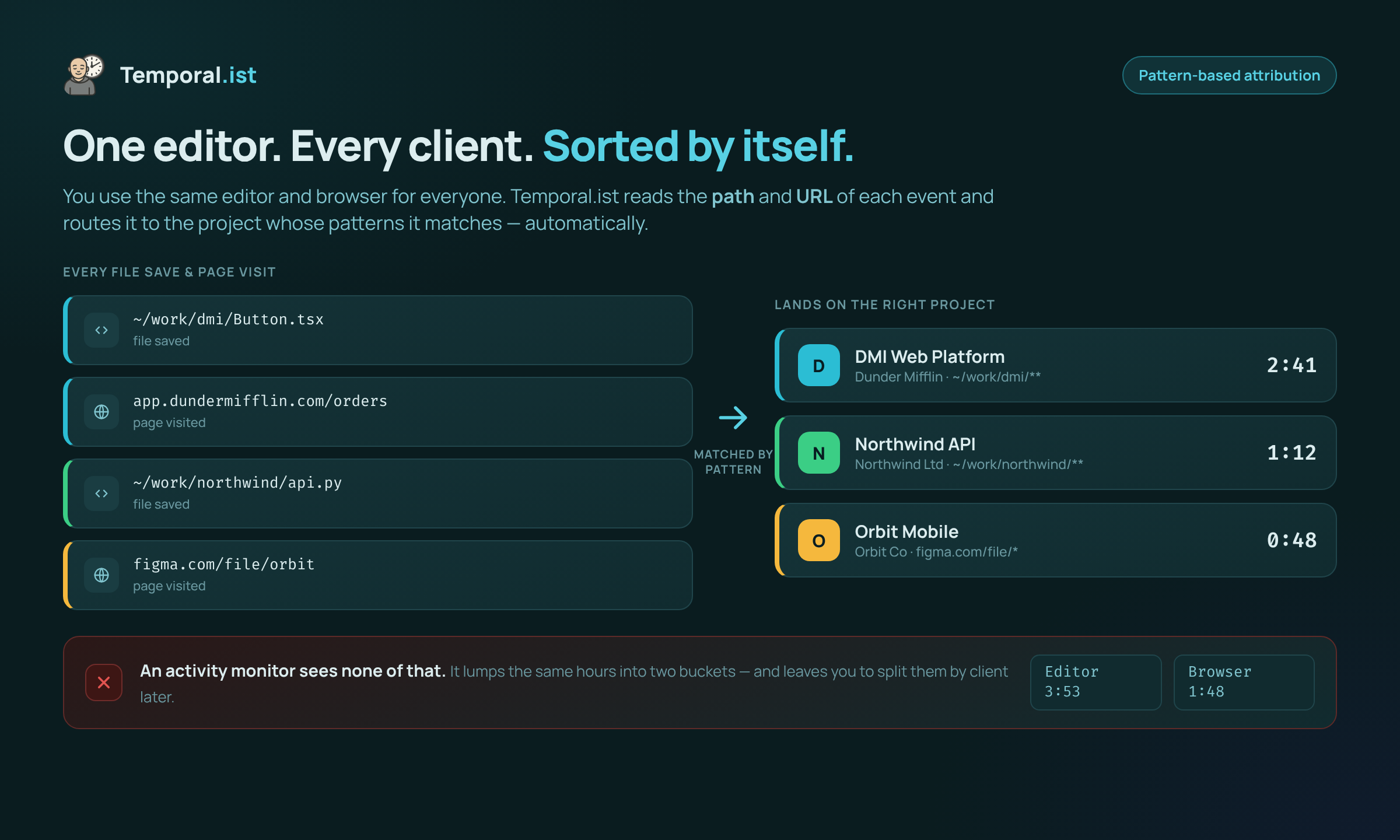
Time is attributed to the right project by file path and URL — no manual tagging.
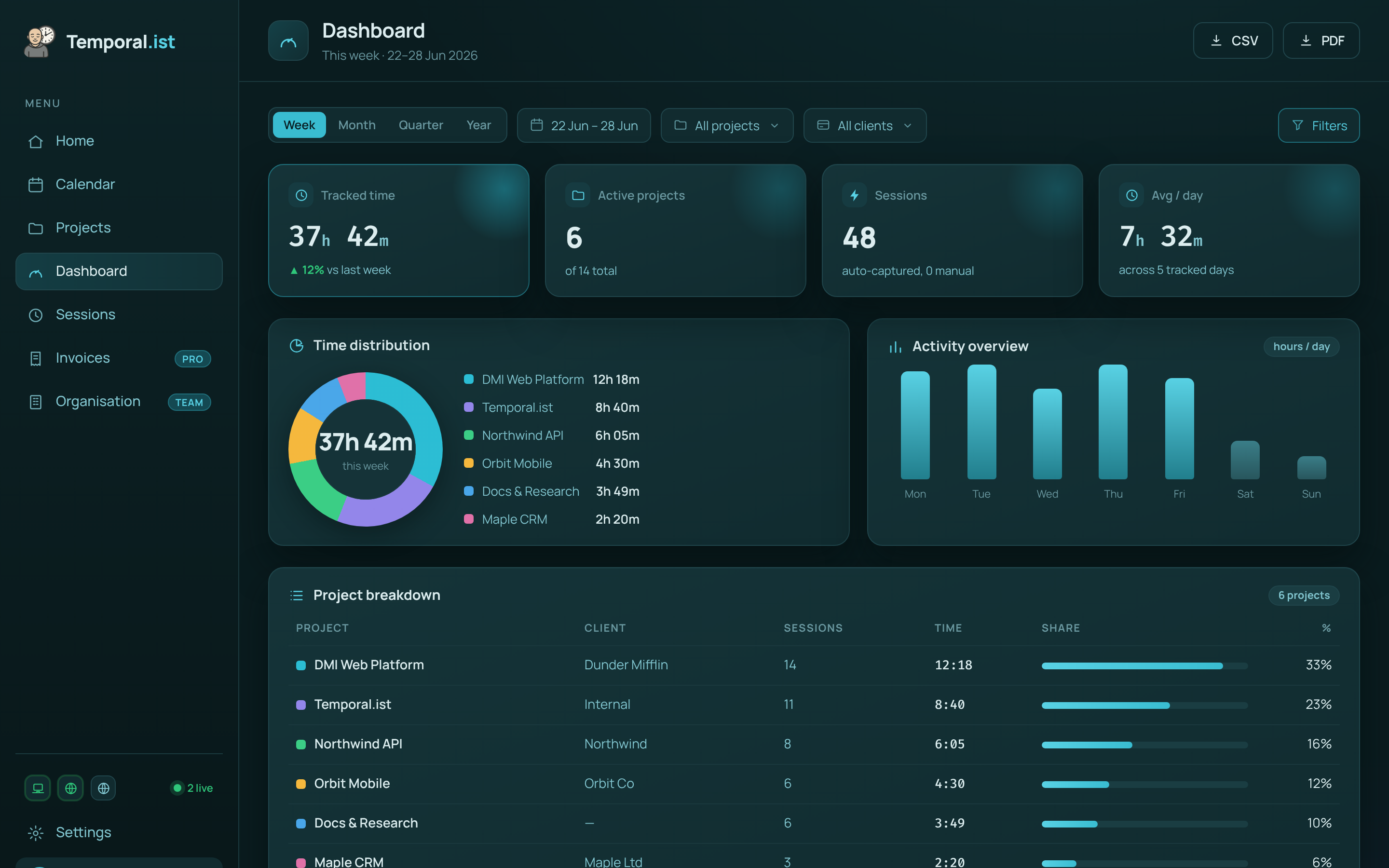
Hours are captured automatically and roll up per project and client, ready to invoice.